03 / 06
DriveOps
SaaS · Admin Dashboard
A cloud storage admin dashboard: information architecture, data visualisation and reusable components.
- Role
- Product Designer
- Year
- 2026
- Scope
- UX Research, UX/UI Design, Prototyping
- Tools
- Figma
Overview
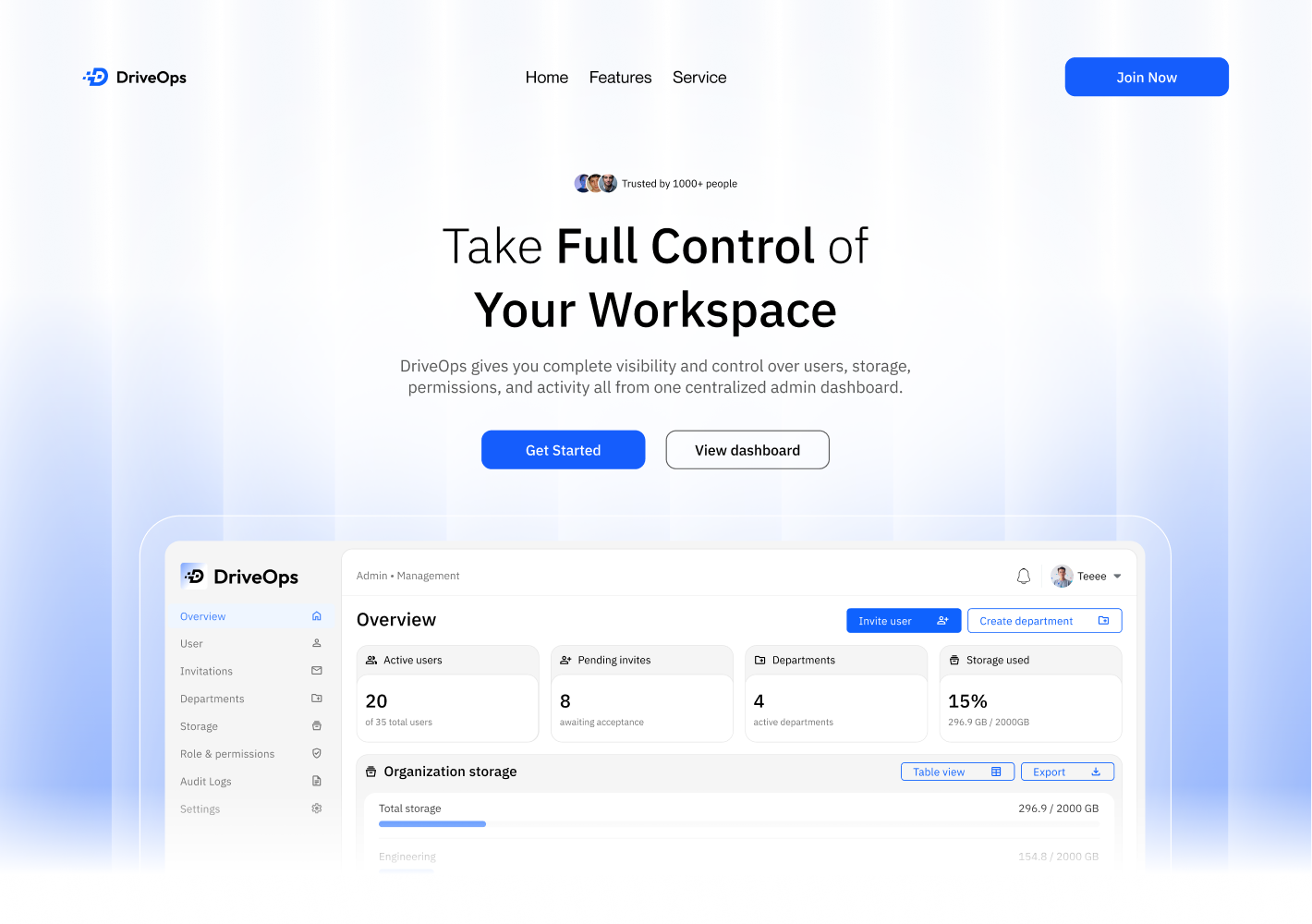
DriveOps is a workspace management platform built to give admins one place to manage the people and resources within their organisation. My role was to design an admin experience that made everyday tasks like managing users, departments, storage and permissions feel straightforward instead of overly technical.
The Problem
As teams grow, managing who has access to what can quickly become messy. Admins often have to keep track of users, invitations, storage, departments and permissions across different places, making simple tasks take more time than they should.
Research
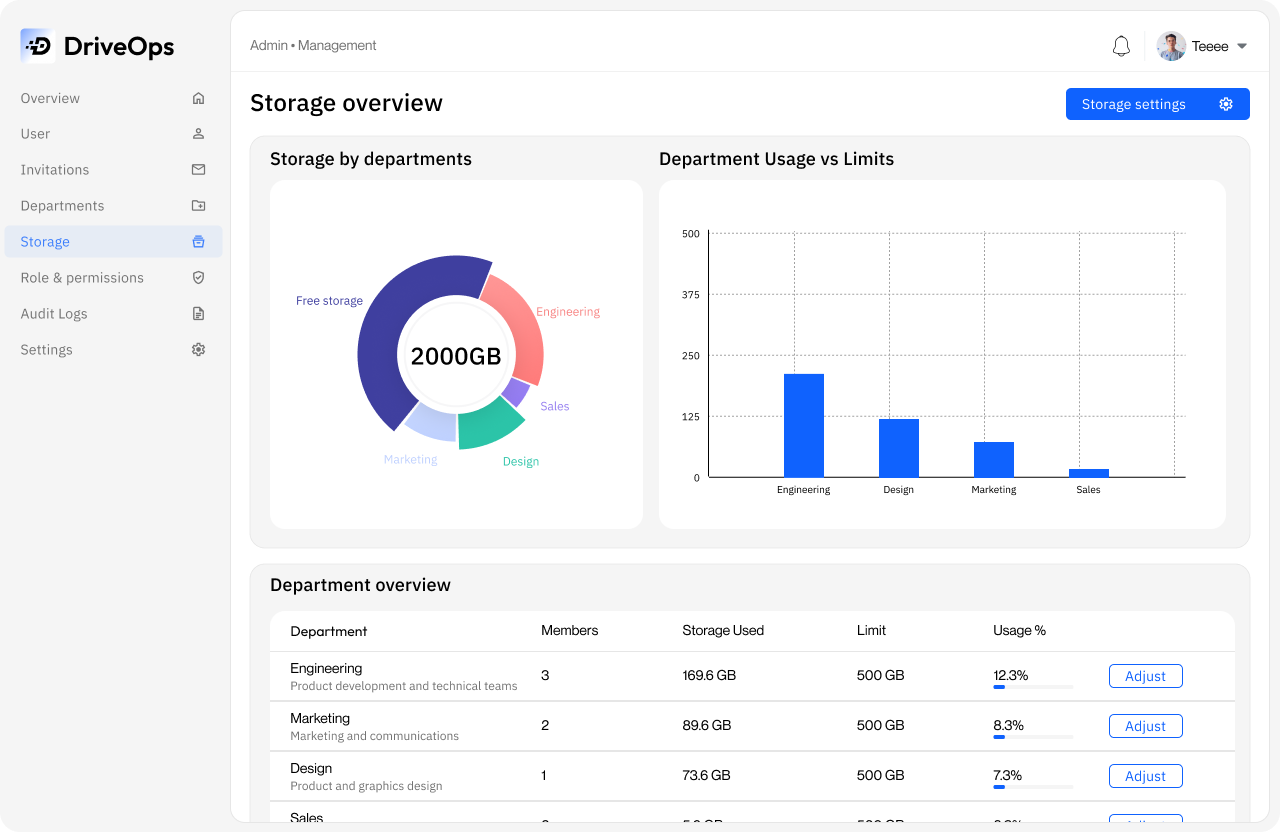
I looked at how workspace and admin tools organise large amounts of information, while paying attention to the tasks an admin would need to perform most often. The biggest takeaway was that admins need visibility first they should be able to understand what is happening across the organisation before having to dig into individual sections.
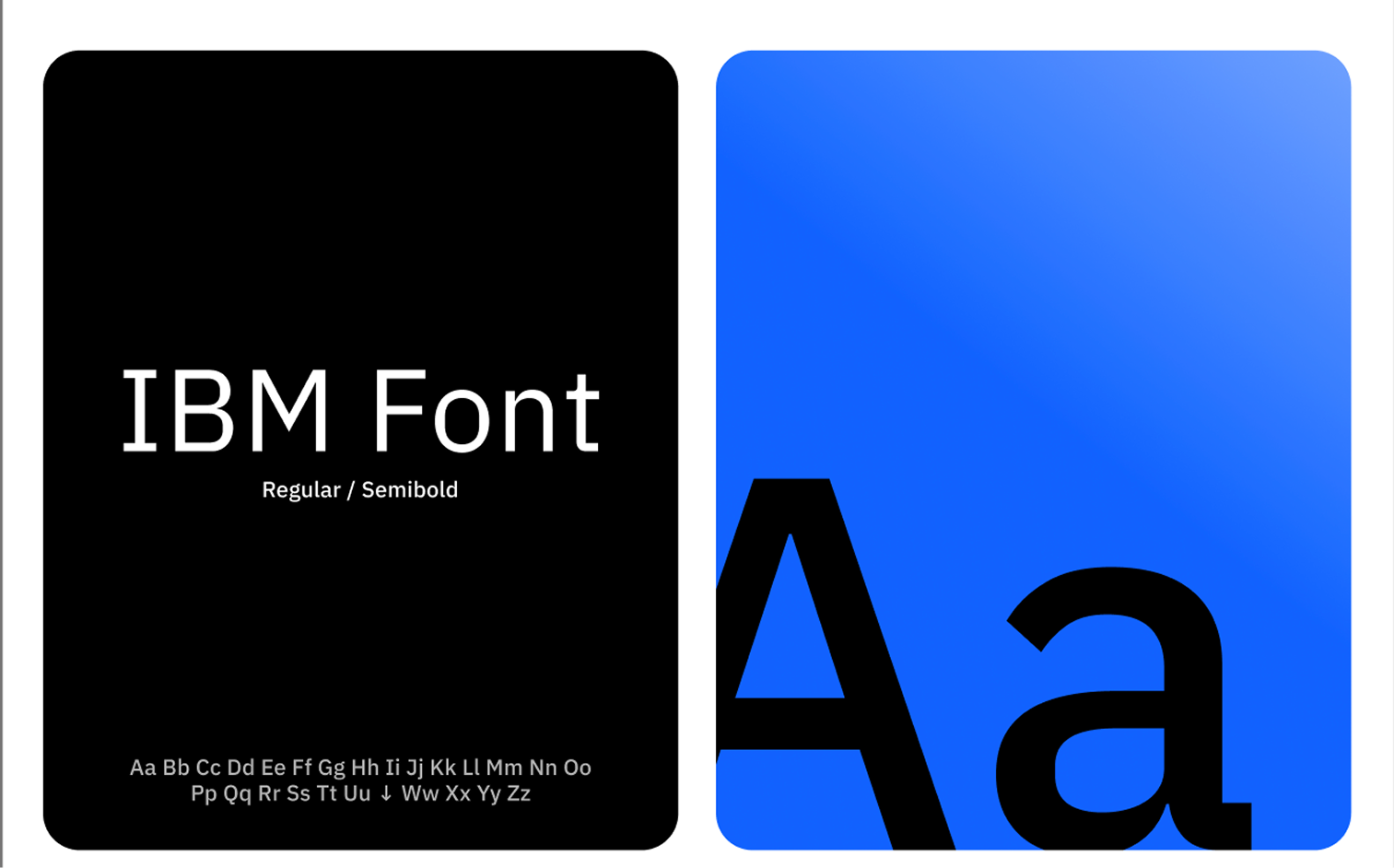
Primary typeface
Aa
IBM Plex Sans
ABCDEFGHIJKLMNOPQRSTUVWXYZ abcdefghijklmnopqrstuvwxyz 0123456789
Process
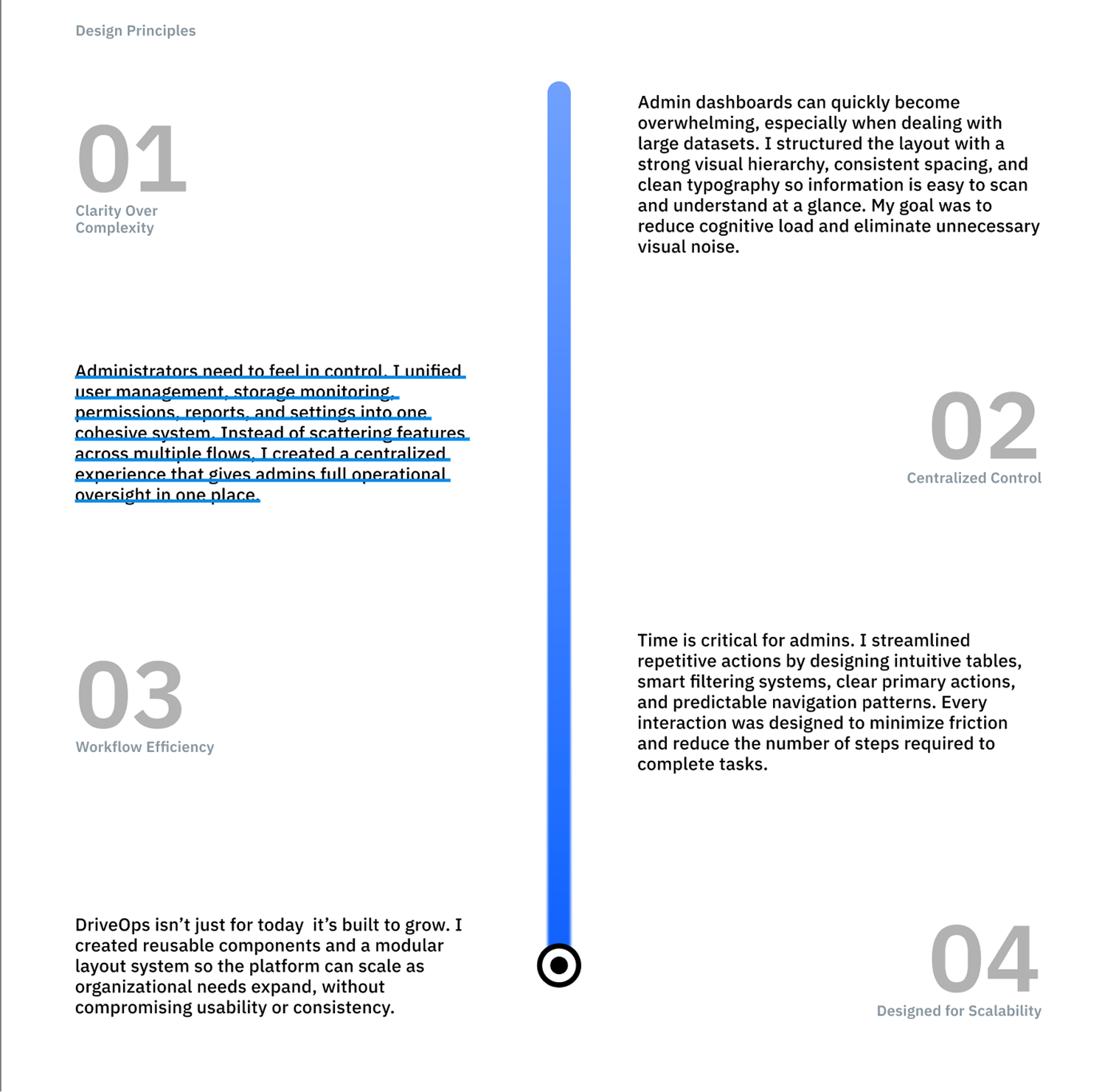
I started by grouping related tasks and information into a structure that would be easy to navigate. From there, I refined the dashboard around the things that needed attention most, using clear summaries, familiar patterns and simple actions so the interface wouldn't feel overwhelming as more information was added.
The Solution
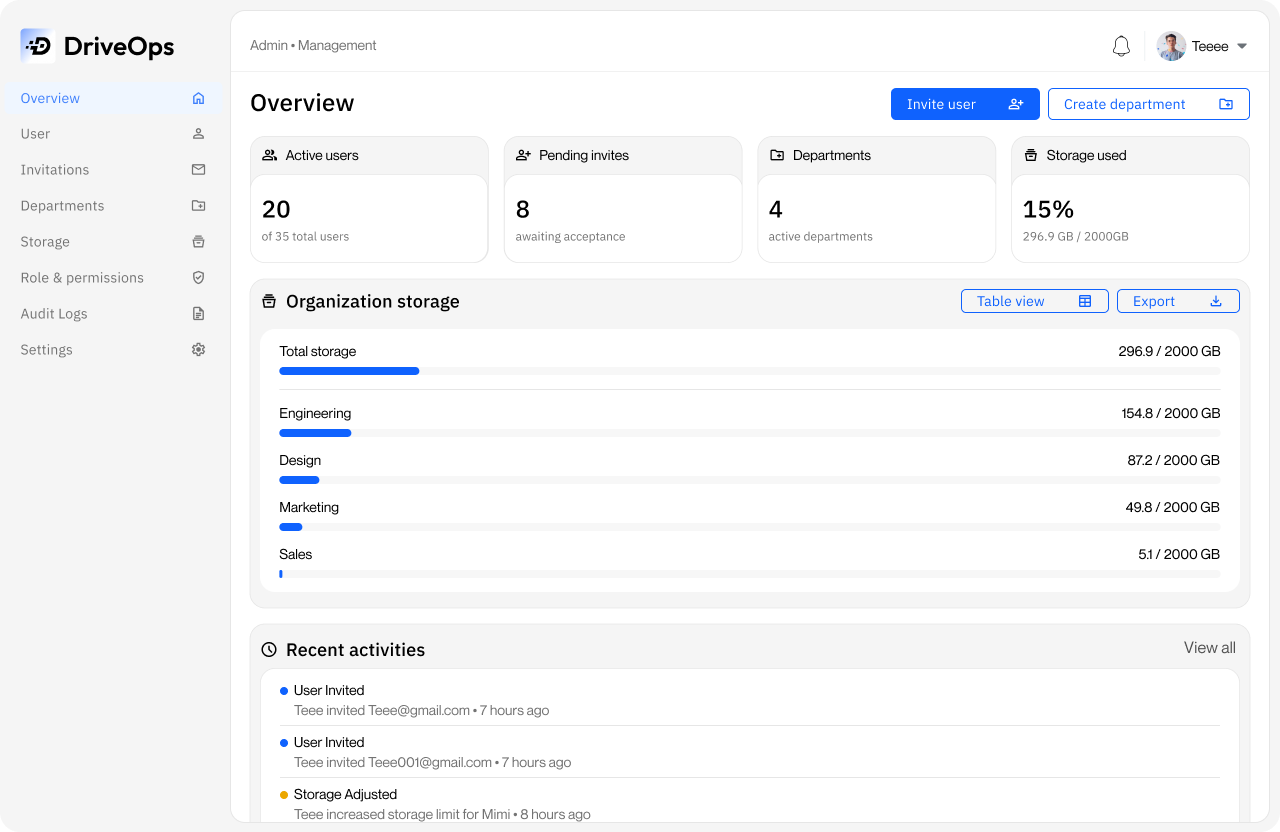
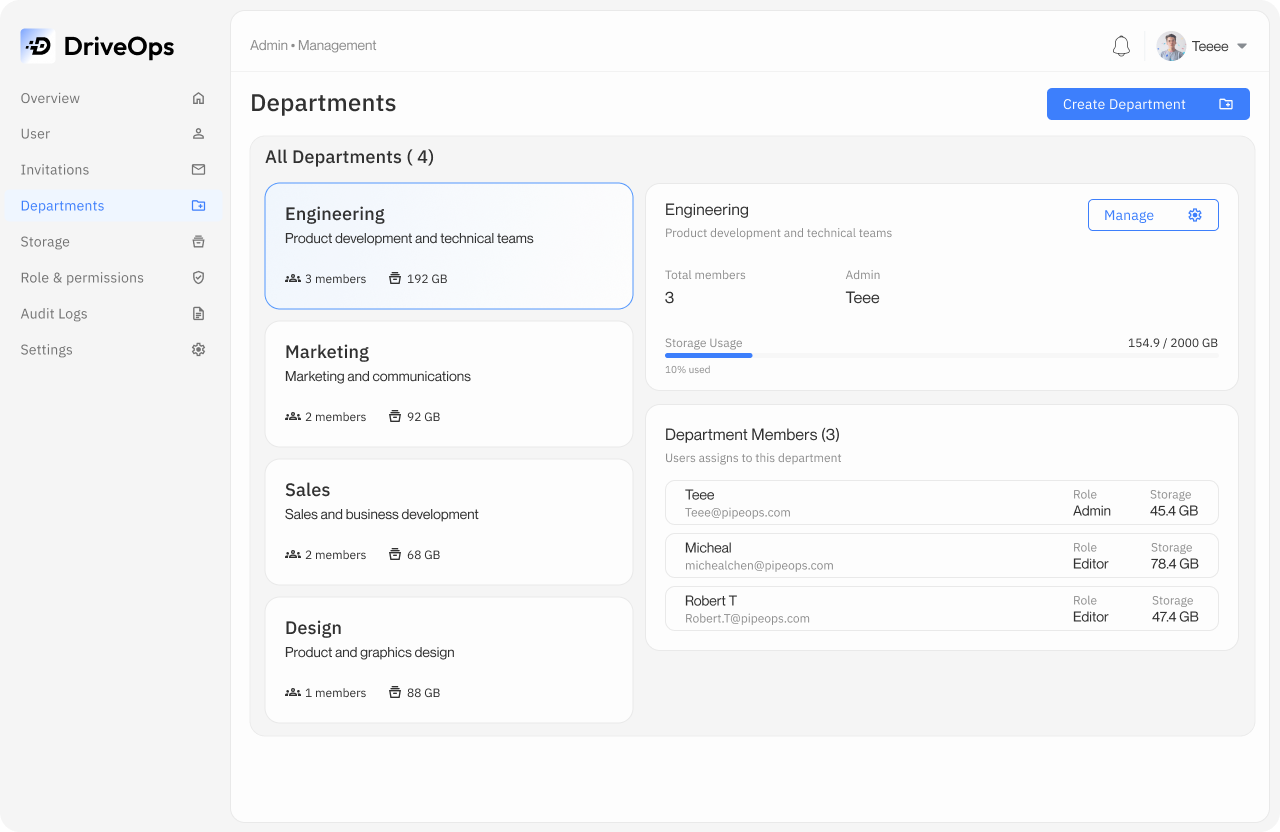
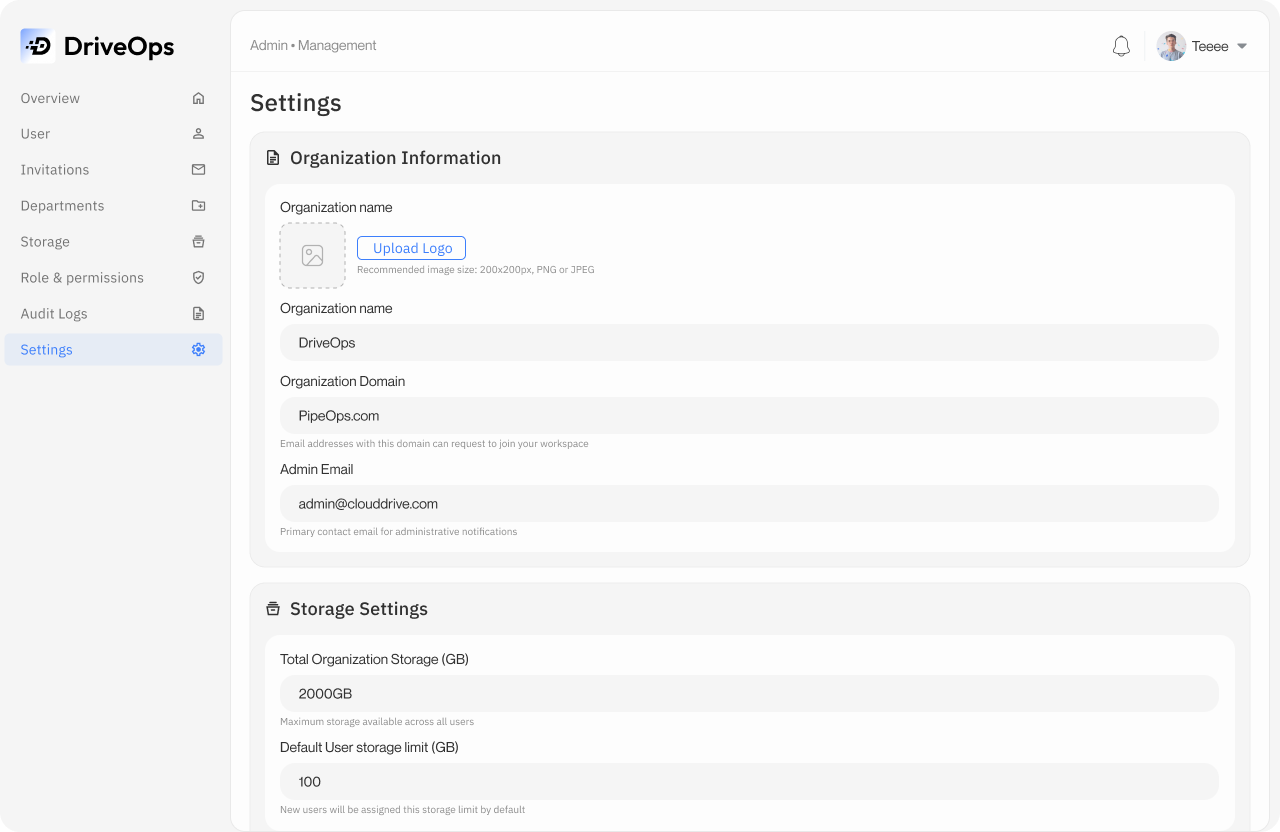
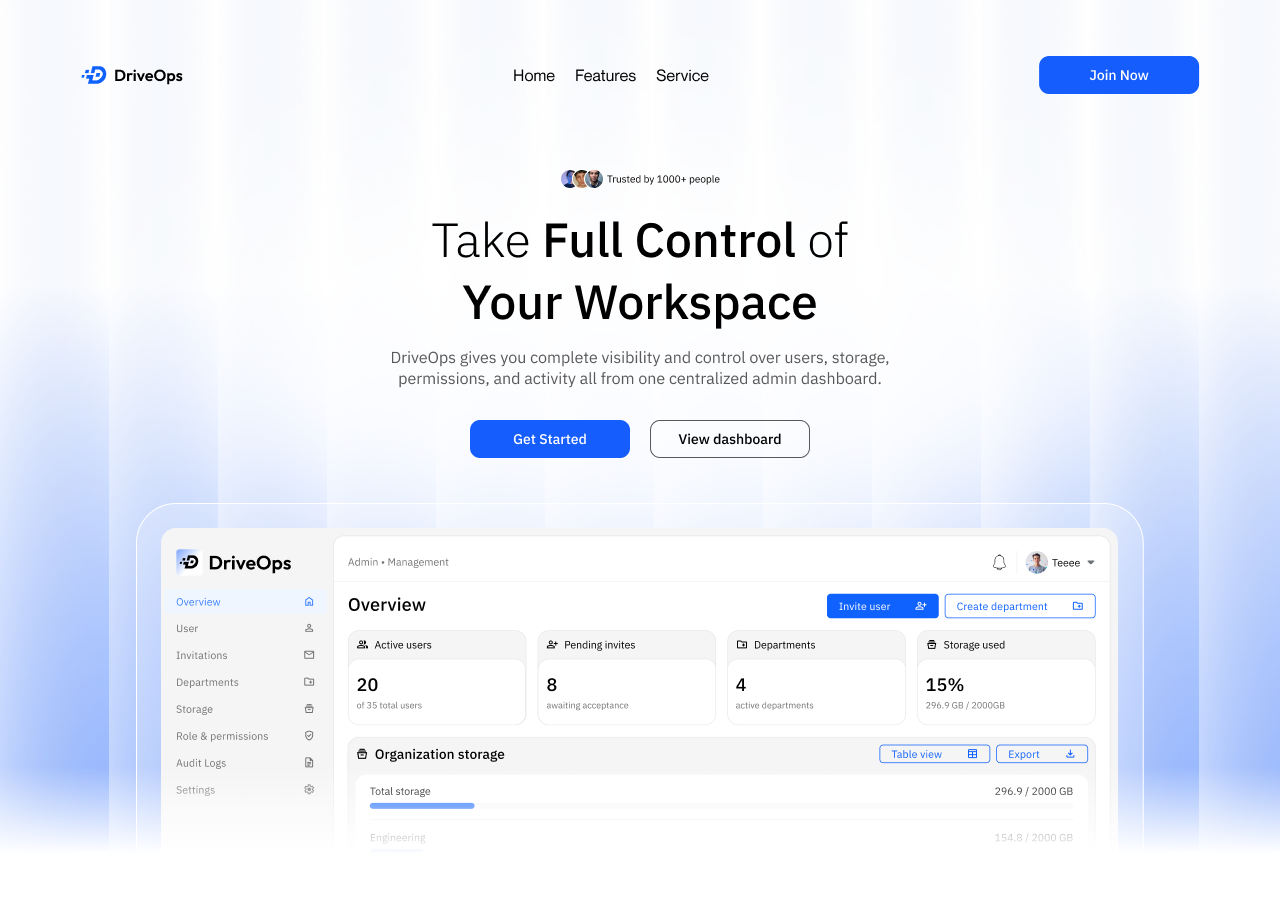
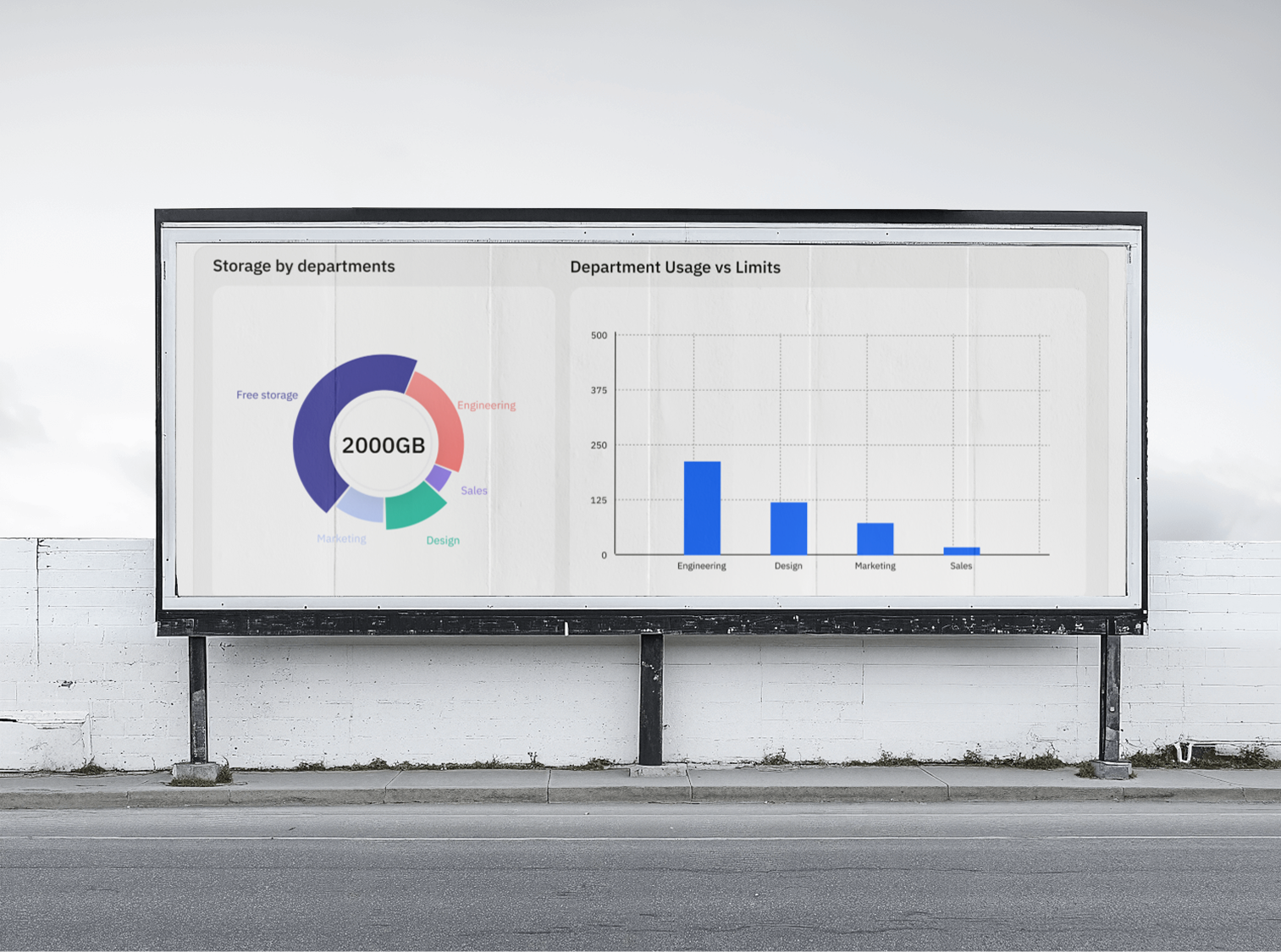
The final design brings users, invitations, departments, storage, roles and permissions into one central admin dashboard. Important information is visible at a glance, while common actions like inviting a user, creating a department or managing access are always within reach.
Outcome
DriveOps became a cleaner and more organised way to handle the day-to-day work behind managing a growing workspace. One thing the project reinforced for me was that admin tools don't have to feel complicated just because the work behind them is — good hierarchy can make a lot of information feel surprisingly simple.